Our first assignment in Object was to explore processing and figure out different ideas. I ended up doing three different code snippets, with small things changed.
- I started with drawing squares when the mouse is pressed, with a random RGB color for each square and a white stroke.
void setup() {
  // width, height
  size(1000, 800);

  // 0-255, R, G, B
  background(0);
}

void draw() {

  if (mousePressed) {
    // white outline
    stroke(255);
    // random RGB color between 1&255
    fill(random(1, 255), random(1, 255), random(1, 255));
    square(mouseX, mouseY, 25);
  }
}
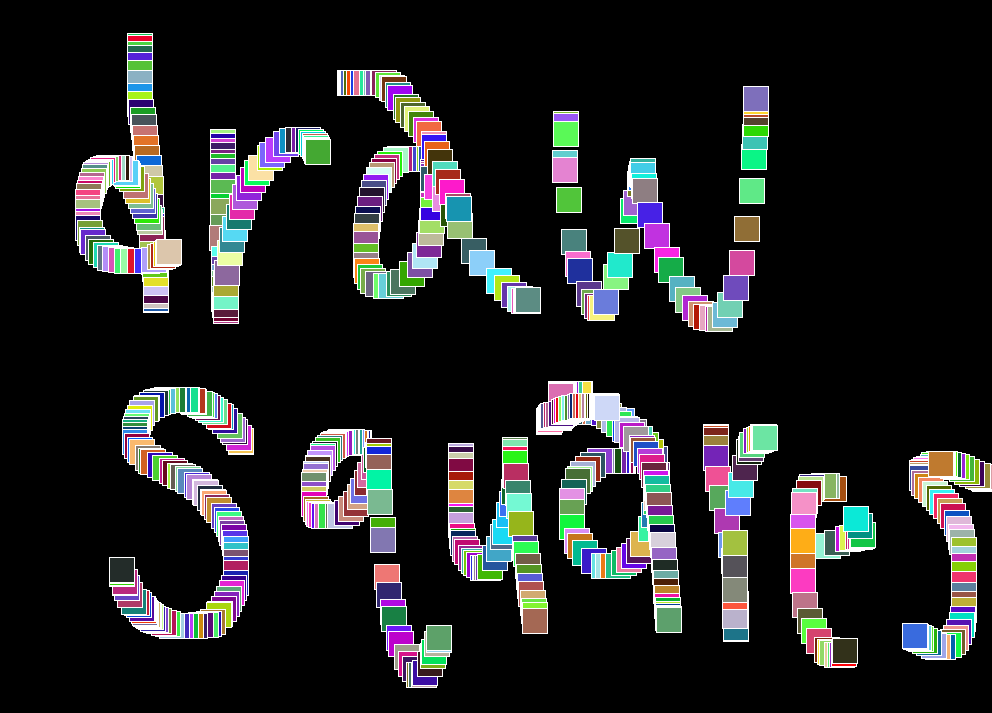
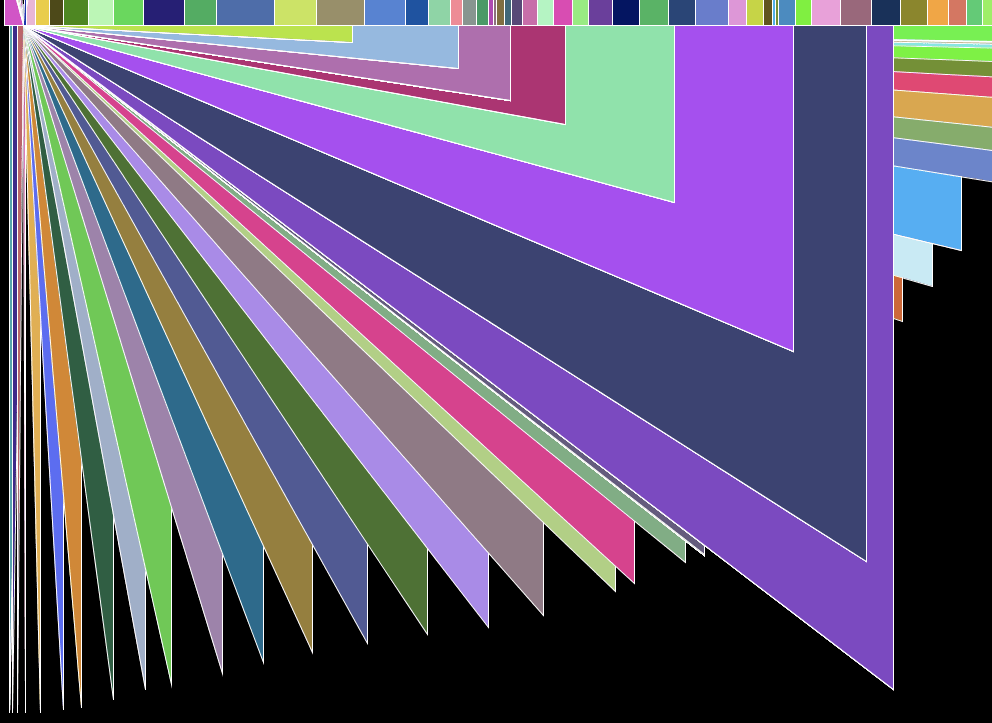
2. I next wanted to experiment with shapes, and wanted to do a similar drawing feature with triangles. I ended up coming across this accidentally but really enjoyed how it functioned.
void setup() {
  // width, height
  size(1000, 800);

  // 0-255, R, G, B
  background(0);
}

void draw() {

  if (mousePressed) {
    // white outline
    stroke(255);
    // random color
    fill(random(1, 255), random(1, 255), random(1, 255));
    // triangle using base point
    triangle(mouseX, mouseY, mouseX, 25, 25, 25);
  }
}
3. Another happy accident was similar to #2 but lines, rather than triangles. There is an attachment point and then the mouse click draws lines depending on where you click.
void setup() {
  // width, height
  size(1000, 800);

  // 0-255, R, G, B
  background(255, 0, 0);
}

void draw() {

  if (mousePressed) {
    stroke(255);
    triangle(mouseX, mouseY, mouseX, mouseY, 0, 0);
  }
}

Finally, I was experimenting with trying to select a background color by moving the mouse around, but I was unsure how to make the code stop updating the background color (on click, or key press perhaps) and put something from draw( ) to setup( ). Not sure if this is possible, but it would be really interesting. I love the updating background color based on X, Y positions of the mouse.
Overall, I had a lot of fun with this assignment and am looking forward to learning more about Processing and different types of outputs.
 Delaney Brummond
Leave a comment